A proper viewer
for TeslaCam.
On the Mac.
Tesla gives you a USB drive full of MP4s organized by cryptic folder names. BlackBox gives you a timeline — multi-camera synchronized playback, live HW4 telemetry decoded from the video stream itself, parsed event metadata, storage analysis, and single-file MP4 export with burned-in overlays.
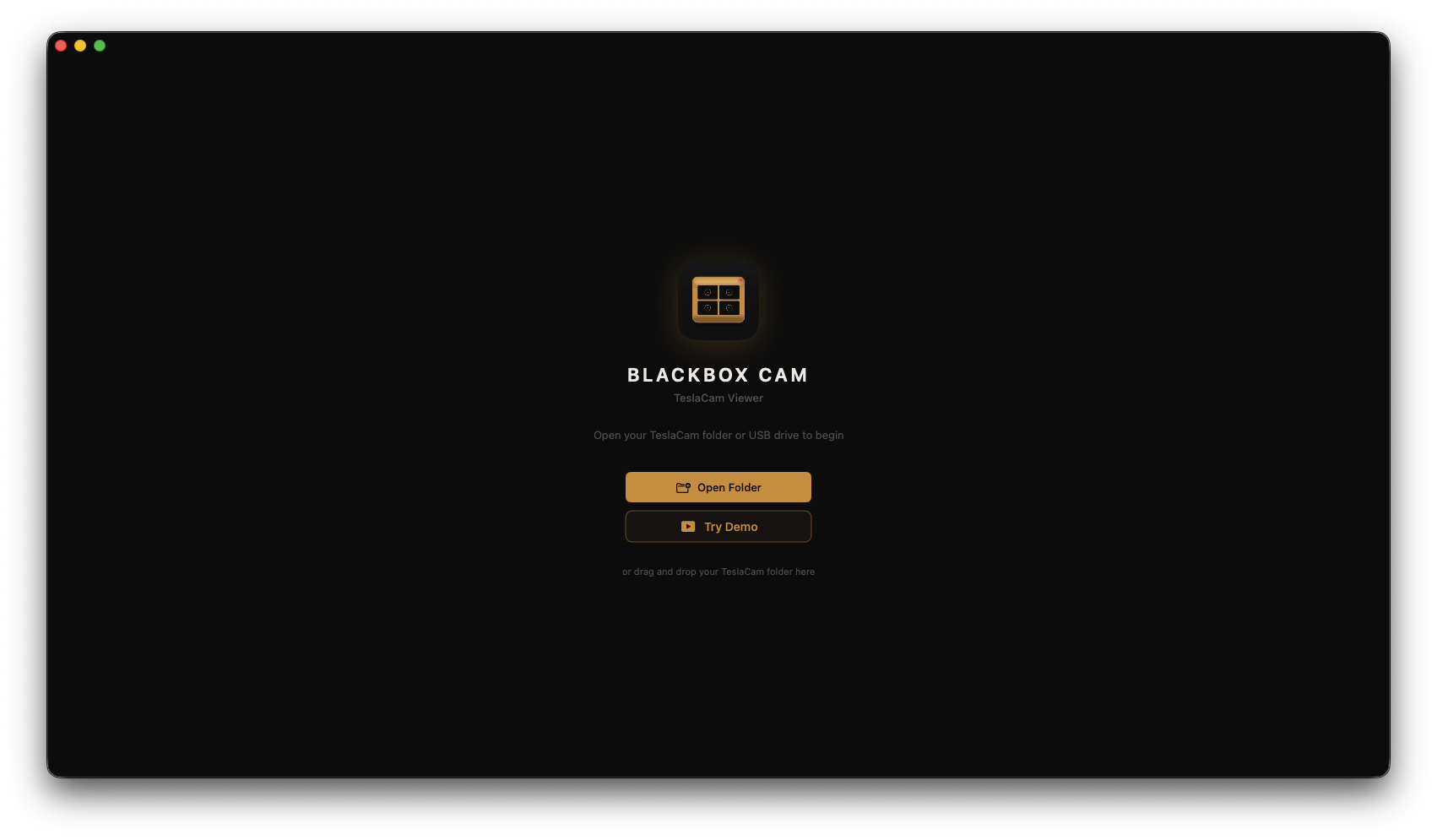
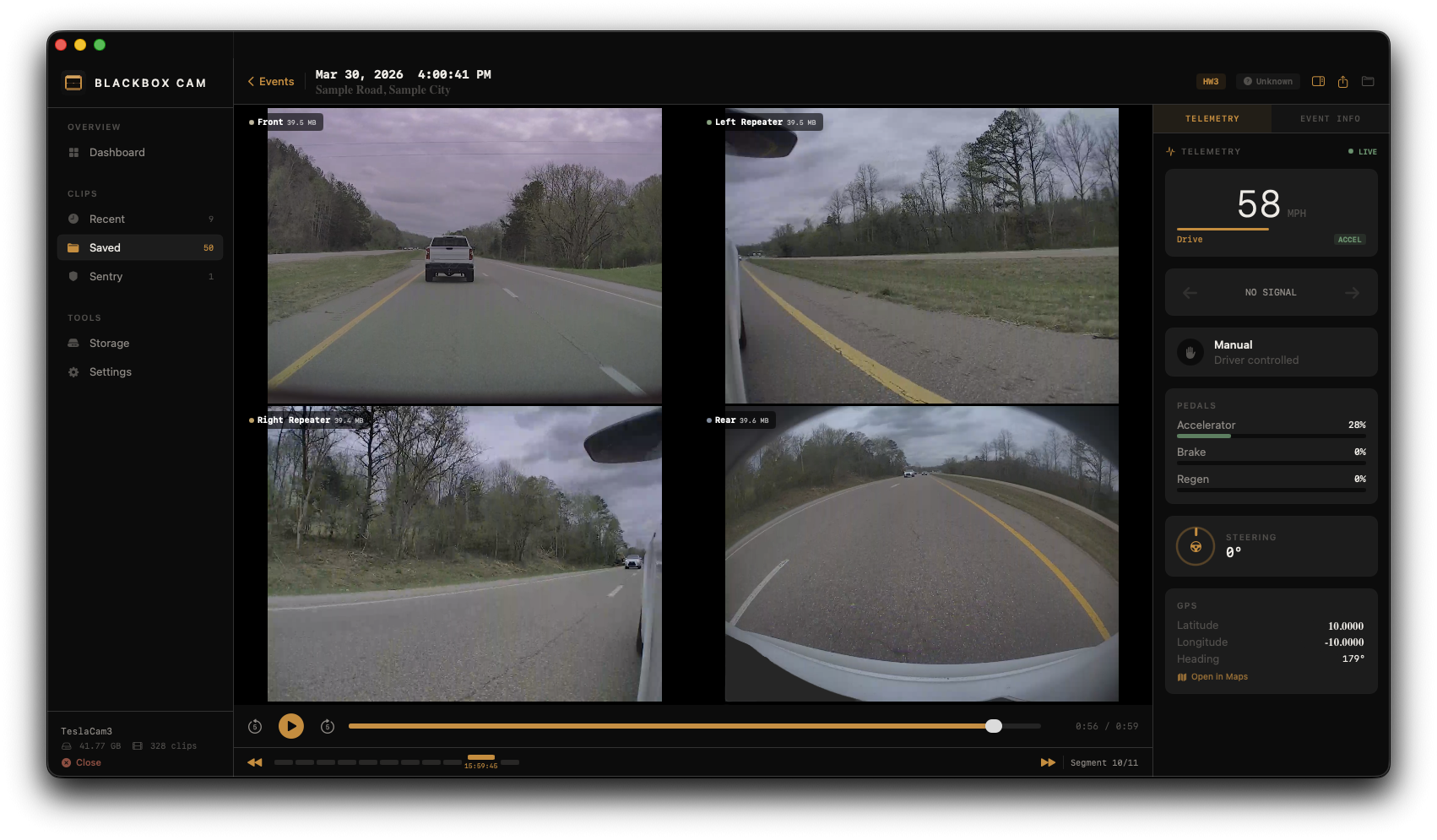
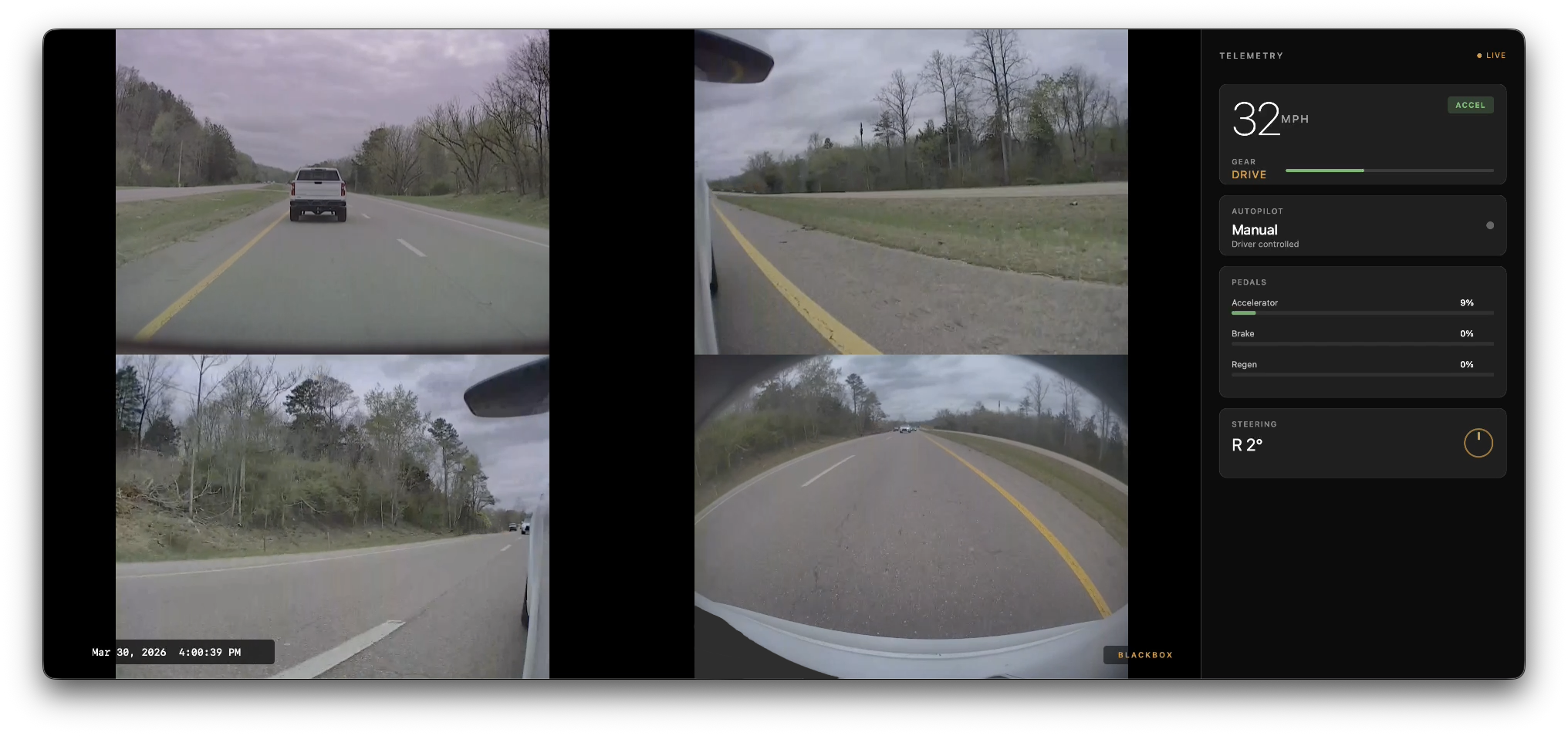
All the cameras. One timeline.
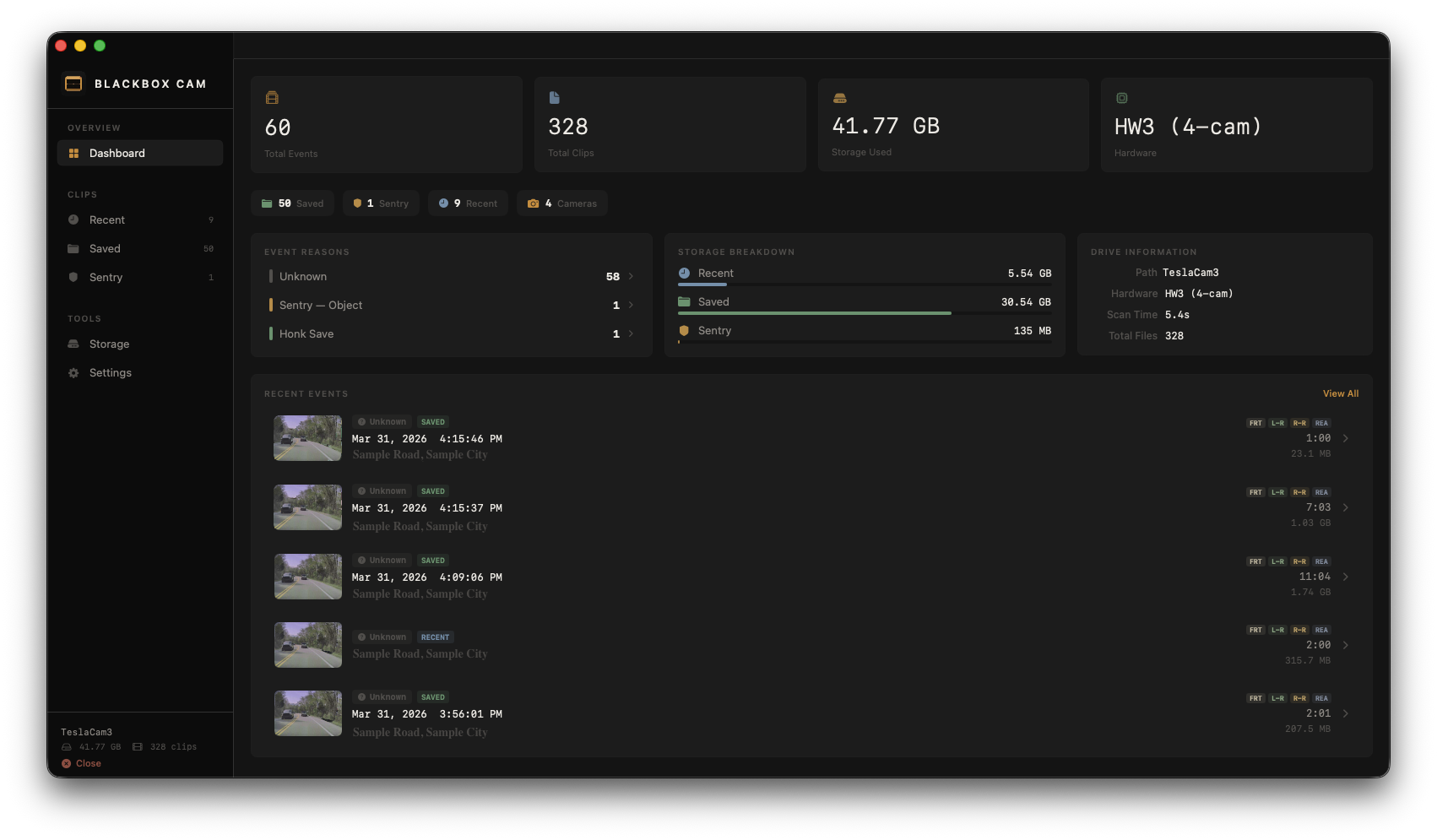
BlackBox parses Tesla’s entire folder structure on first open — RecentClips, SavedClips, SentryClips — and presents it as events with metadata, not files with timestamps.
Live telemetry from the video itself
Recent Tesla firmware on HW3 and HW4 vehicles (typically late 2025 or newer) embeds per-frame telemetry inside the H.264/H.265 video stream. BlackBox decodes the SEI NAL units and protobuf payload locally and displays it synchronized with playback, frame-accurate. Older firmware still plays video normally without the telemetry overlay.
Synchronized grid
All cameras for a given minute play simultaneously, locked to one timecode. Double-click any camera to expand it full-screen. Pinch or scroll to zoom up to 5×. Click-drag to pan.
Event metadata
Parsed from Tesla’s event.json files. Trigger reason, city, street address, GPS coordinates, which camera fired. Click coordinates to open in Apple Maps.
Hardware detection
HW2.5 (H.264, 1280×960, 4 cameras). HW3 (H.265/HEVC, 1280×960, 4 cameras). HW4 (H.265/HEVC, higher-resolution front and B-pillar cameras, 6 cameras total). Resolution and codec are detected per clip, not assumed from folder metadata.
Export a clip
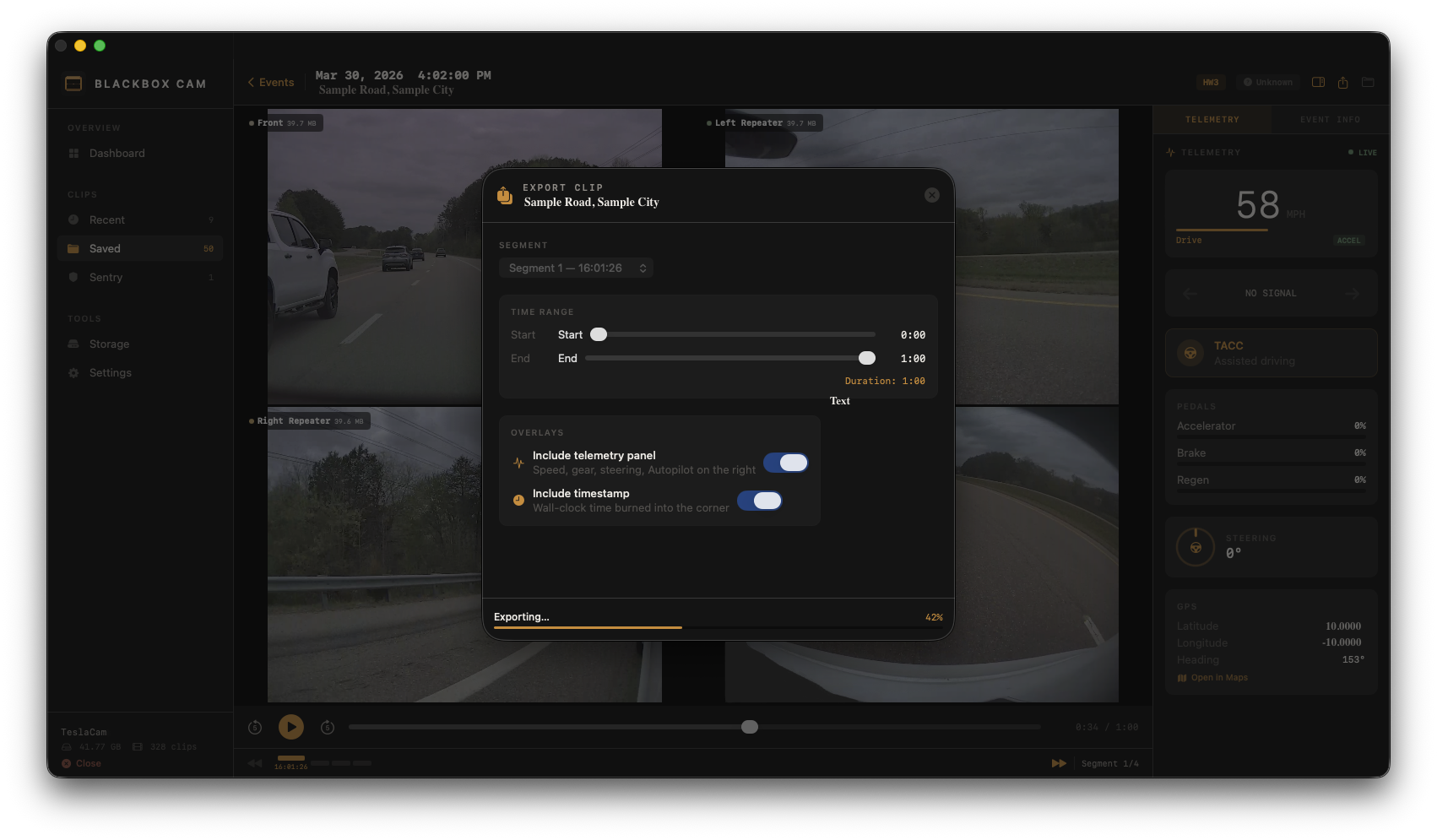
Burn the multi-camera grid, telemetry sidebar, and timestamp into a single MP4 ready to share. Pick the segment with start and end markers, choose the quality preset. Written to the path you select, nowhere else.
Storage analysis
Disk usage broken down by Recent, Saved, Sentry. Proportional bars, total size, corrupted file count, scan time. Thumbnails auto-generated from the front camera via AVFoundation.
Use completely offline. No account required. BlackBox has no network entitlement in the binary — macOS itself blocks any outbound connection attempt. Footage is read from your USB drive. BlackBox makes no network connections. GPS coordinates can be opened in Apple Maps at your explicit request — Apple Maps is a separate app with its own network behavior.
Zero analytics. Zero crash reporters. Zero third-party SDKs. Every line is either mine or Apple’s.
For the full policy, read the privacy policy.
BlackBox is not affiliated with, endorsed by, or sponsored by Tesla, Inc. Tesla, TeslaCam, Sentry Mode, Autopilot, and FSD are trademarks of Tesla, Inc. BlackBox reads USB drives formatted for TeslaCam but operates entirely independently of Tesla services.